When a GPU rack throttles, the symptom shows up in performance charts—but the root cause often shows up earlier in cooling telemetry.
Rear door heat exchangers (RDHx) can be a practical way to add headroom in a 20–30 kW/rack AI zone without rebuilding an entire legacy hall. But the door alone doesn’t “solve throttling.” What solves throttling is a repeatable baseline, enough sensors to see margin shrinking, and controls/alarming that push you to act before GPUs hit temperature limits.
This guide is a step-by-step commissioning and tuning workflow built around a simple before/after: GPU temperature under a repeatable load.
Table of Contents
ToggleKey takeaways
RDHx is most reliable as a throttling countermeasure when you treat it like a control system (telemetry → alarms → response), not a mechanical accessory.
The cleanest before/after is GPU temperature (hotspot or edge) under the same workload, plus a minimum set of rack air-side checks.
In practice, shrinking margin tends to show up in this order: water/air signals drift → GPU temps trend up → clocks flatten / throttling events appear.
Rear door heat exchangers as a bridge for 20–30 kW/rack AI zones
In retrofits, an RDHx is often used as a pragmatic bridge: it captures heat at the rear of the rack so you can stabilize a small AI zone without redesigning the whole room. That’s especially attractive when you’re trying to stop intermittent throttling events and rack inlet hot spots with minimal disruption (see Coolnetpower’s framing in its RDHx vs in-row vs direct-to-chip retrofit comparison).
Who this guide is for (and what it assumes)
This how-to is written for data center thermal leaders and AI/HPC infrastructure teams who:
are operating (or planning) a 20–30 kW/rack AI/GPU zone
need a phased retrofit with minimal disruption
can access basic GPU telemetry (from your GPU management stack, and/or NVIDIA DCGM)
can add a few rack-level temperature sensors and water-side instrumentation
If you’re aiming far beyond this band, or you’re seeing frequent burst-driven spikes even after airflow cleanup, you may be moving into a hybrid design where RDHx is a bridge and direct-to-chip becomes part of the long-term plan (Coolnetpower summarizes fit trade-offs in its comparison article).
Step 1: Baseline your “throttling signature” before you touch hardware
The biggest reason before/after telemetry gets argued over is that “before” wasn’t stable.
Your job in Step 1 is to make your baseline boring: the same workload, the same run length, the same logging boundaries.
Pick a repeatable load test (and keep it boring)
Choose a workload that:
sustains high utilization long enough to reach thermal steady-state
is easy to rerun without “mystery changes” (dataset moves, batch size changes, power caps)
produces a GPU temperature pattern you recognize
NVIDIA’s guidance on tying monitoring to job context is a good model (see NVIDIA’s DCGM monitoring guidance, linked later in this article).
Capture GPU temperature distribution (not just averages)
You selected GPU temperature as the hero metric. Make it defensible:
log GPU hotspot or edge temperature at a consistent interval
capture min / median / max across GPUs (and identify the hottest GPU consistently)
track whether the “hot GPU” moves between runs (a hint of airflow unevenness)
If you also have access to power and clock telemetry, keep it—but don’t dilute the story. The before/after headline should stay on GPU temperature.
Capture the air-side context (minimum viable)
Even when you plan to add RDHx, throttling can remain an air-distribution problem. Capture at least:
rack inlet temperature at bottom / middle / top (or by representative U-positions)
hot-aisle temperature near the top of rack (where stratification hides)
If you’re using containment, document its integrity in the same baseline window. Coolnetpower’s containment guidance is a useful reference for what to measure and why (see aisle containment effectiveness and hotspot elimination).
Verify: You can reproduce peak GPU temperature within a tight band across two baseline runs. If you can’t, do not start comparing “before” to anything yet.
Rear door heat exchanger instrumentation that makes throttling troubleshooting possible
Step 2: Instrumentation that makes RDHx troubleshooting possible
RDHx retrofits fail quietly when you can’t see the failure mode. You need just enough telemetry to answer: Is this a GPU-side limit, an airflow distribution limit, or a water-side availability/control limit?
GPU-side telemetry (what matters for throttling)
Even if you only feature GPU temperature in your before/after, collect enough context to interpret it.
NVIDIA’s DCGM guidance highlights monitoring temperature/thermal status, clocks, power, utilization, and throttling-related indicators for cluster efficiency work (see NVIDIA Data Center Monitoring (DCGM)).
Minimum recommended set:
GPU temperature (hotspot or edge)
“throttling/violation” style flags (when available)
clock behavior (optional, but helpful to prove throttling is actually happening)
Facility-side telemetry (air + water)
For an RDHx zone, the facility-side signals you want are:
rack inlet air temperature (bottom/middle/top)
rack exhaust / rear-of-rack air temperature (where practical)
water supply/return temperature to the door/row (as applicable)
flow rate and differential pressure (enough to see drift and restriction)
leak detection and alarm state
Coolnetpower’s AI retrofit guide emphasizes correlating GPU-side signals with facility-side temperature/flow signals to detect shrinking headroom early.
Alarm philosophy: detect drift early, escalate before throttling
Do not tune alarms around “GPU already throttling.” Tune around drift.
A practical escalation ladder is:
facility-side drift (flow/ΔT/temps) begins
GPU temperature trends up
throttling appears
Your alarms should push operators to investigate at step 1–2, not celebrate after step 3.
Step 3: Commission the RDHx like a control system, not a mechanical add-on
Commissioning is where you turn “we installed an RDHx” into “we can run AI loads without throttling surprises.”
Pre-checks: clearance, blanking, and leakage paths
Before you run load steps, do the boring checks that prevent 80% of hot-spot problems:
verify door swing, service access, and cable clearance
confirm blanking panels are installed and cutouts are sealed (reduce bypass)
inspect common leakage paths around the rack perimeter
RDHx can remove heat at the rack boundary, but if intake air is uneven across U-positions, the hottest GPUs still lose.
Staged load steps and what “good” looks like
Run staged load steps rather than one “full send” test.
At each step, record:
GPU temperature response (peak and rate of rise)
rack inlet profile stability (top/middle/bottom)
whether facility-side signals (temps/flow/ΔT) remain stable
Pro tip: If facility-side signals drift first, treat that as the system telling you where margin is disappearing—before you argue about GPUs.
Confirm you didn’t create new failure modes
An RDHx retrofit changes operations. Coolnetpower’s retrofit guidance calls out failure modes like flow loss, fouling/filtration issues, valve failures, and heat rejection bottlenecks, and stresses integrating alarms and interlocks into the room cooling operating model.
Commissioning checklist items to explicitly validate:
loss-of-flow response (alarm → operator action → safe mode)
leak detection coverage and response
sensor redundancy (where applicable) and BMS/DCIM visibility
Step 4: Control tuning tips that actually change GPU temperature stability
This is the “stop throttling” part. You’re tuning for stability, not just a lower average temperature.
Airflow tuning: reduce recirculation and uneven intake by U-position
In 20–30 kW/rack environments, airflow distribution is still a first-class constraint.
Do these before you chase setpoints:
verify containment integrity (if used)
confirm blanking and sealing
look for top-of-rack recirculation and stratification
Your verification signal is simple: the spread between top/middle/bottom inlet sensors tightens, and the hottest GPU becomes less “special.”
Water-side tuning: hold flow and ΔT stable under load ramps
A common operational failure mode is “looks fine at steady load” but becomes unstable on ramps.
Tune for:
stable flow through expected load changes
stable return temperature behavior (no unexplained drift)
alarm thresholds that flag trend changes, not just absolute limits
If you’re new to liquid systems, start by making the system observable. Coolnetpower emphasizes that if you can’t see (and alarm on) flow/ΔT and GPU thermal events, troubleshooting later becomes guesswork.
Dew point safety: avoid condensation while keeping headroom
If your RDHx design uses chilled water or includes a CDU-controlled secondary loop, dew point margin becomes a controls requirement.
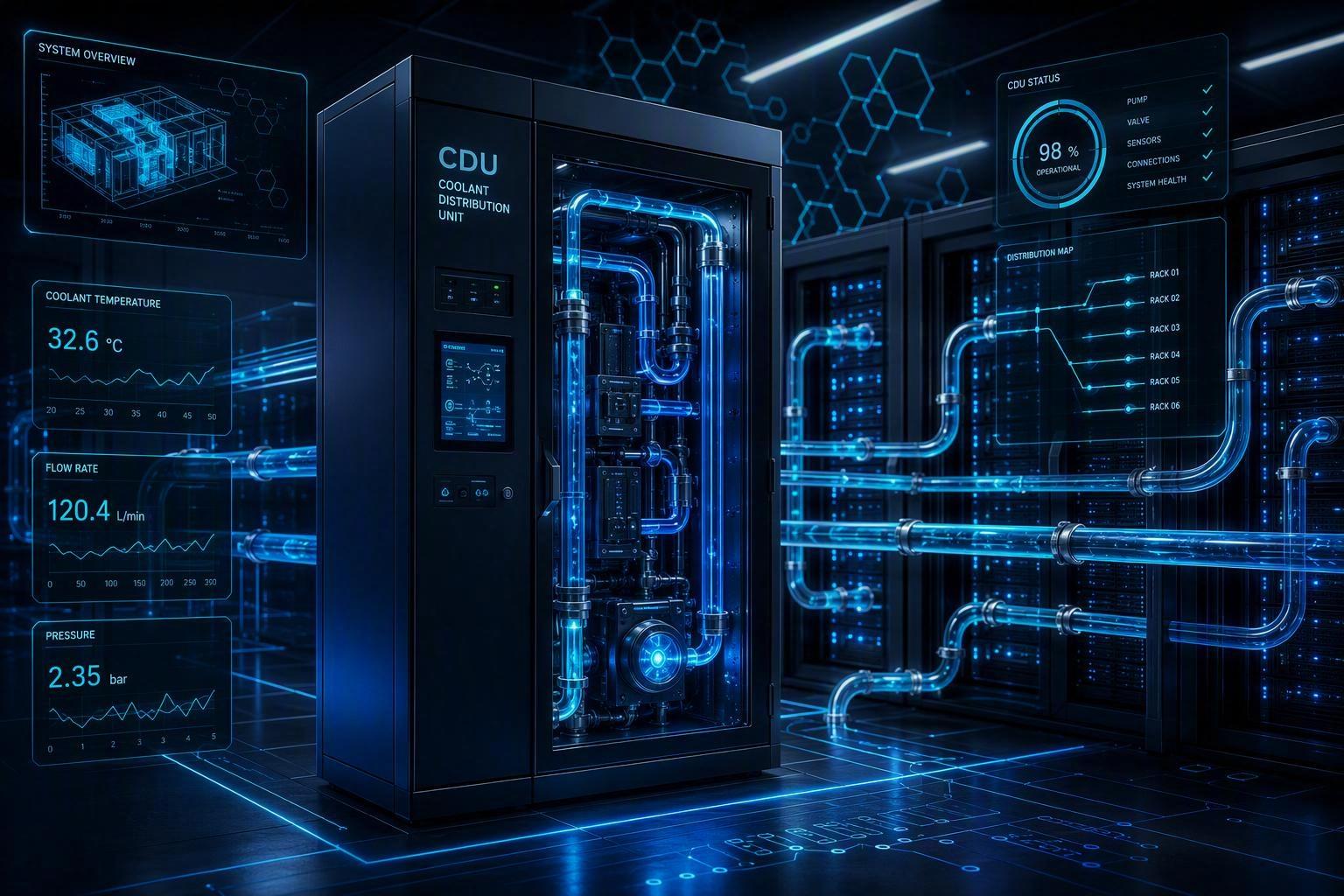
Vertiv’s CDU overview states that the CDU maintains the secondary loop supply temperature above the data center dew point to prevent condensation (see Vertiv’s CDU explainer).
Practical guidance:
trend room dew point continuously (don’t rely on spot RH readings)
implement a dew point guardrail so supply temperatures don’t drift into condensation risk
document the guardrail in your operating playbook so “performance tuning” doesn’t accidentally become “condensation testing”
⚠️ Warning: Condensation risk is seasonal and operational. A tuning change that looks safe on a dry day can become unsafe during economizer transitions or high-humidity events.
Fan control interaction: passive vs active RDHx and what to watch
At 20–30 kW/rack, passive RDHx can work—but it introduces airflow resistance that server fans must overcome. Active doors add their own fan power but can stabilize airflow.
Regardless of door type, your tuning signal is:
GPU temperatures stabilize under sustained load
inlet temperature spread narrows
you don’t see “sawtooth” behavior where fans surge, temps drop, then temps climb again
For broader trade-offs and where each approach tends to fit, use the framing in Coolnetpower’s RDHx comparison guide.
Step 5: Build a before/after telemetry report your peers (and procurement) will trust
The goal of your before/after isn’t marketing. It’s decision-making: do we expand this design to the next row?
The one-table summary (baseline vs after)
Use one table that forces honesty. Example:
Metric | Baseline (before RDHx) | After RDHx + tuning | Notes (what changed / what was held constant) |
|---|---|---|---|
Workload | Same job + duration | Same job + duration | record job ID / dataset / batch size |
Peak GPU temperature (°C) | X | Y | report hotspot or edge consistently |
Median GPU temperature (°C) | X | Y | include #GPUs and sampling interval |
Inlet temp spread (top–bottom, °C) | X | Y | based on fixed sensor locations |
Hot-aisle temp near top-of-rack (°C) | X | Y | note containment state |
Do not add “PUE improved” in this table unless you’ve defined the metering boundaries and logged long enough to defend the claim.
The one-figure summary (GPU temperature trend)
One chart is enough:
x-axis: time
y-axis: GPU temperature
two lines: baseline run vs after run
annotate the steady-state window and any load steps
The “what changed” log
This is what makes the report credible:
RDHx door type (passive/active) and configuration notes
control changes (setpoints, alarm thresholds)
any airflow modifications (blanking, sealing, containment fixes)
any maintenance actions (filter/strainer cleaning, valve changes)
For discipline on before/after verification and keeping boundaries consistent, Coolnetpower’s guidance on validating efficiency claims is a useful model.
Step 6: Troubleshooting playbook (symptom → likely cause → next check)
Use this section as your first-response runbook.
Symptom: GPU temps improved, but throttling persists
Likely cause: power-limit enforcement or workload-side issue (not thermal)
Next check: confirm power caps and clock behavior; confirm throttling flags are thermal-related, not power-related
Symptom: GPU temps stable at steady load, but spikes during bursts
Likely cause: control response too slow; water-side availability or airflow recirculation during ramps
Next check: examine ramp windows for facility-side drift first; verify flow/ΔT stability during the transient
Symptom: top-of-rack GPUs run hotter than middle/bottom
Likely cause: stratification, recirculation, or uneven intake distribution by U-position
Next check: validate containment integrity; add/verify top-of-rack inlet sensing; check blanking and leakage paths
Symptom: flow “looks fine” but ΔT collapses
Likely cause: sensor placement issue, bypass mixing, control valve behavior, or fouling reducing effective heat transfer
Next check: confirm sensor calibration and location; inspect filtration/strainers; check valve positions and trends
Common mistakes (and how to avoid them)
Calling it a win without controlling for workload: if “after” used a different job, you didn’t prove anything.
Ignoring airflow hygiene and chasing setpoints: seal and blank first; tune second.
Tuning water temperatures without dew point guardrails: “colder water” is not a strategy if it introduces condensation risk.
Alarm spam with no action runbook: alarms only help if they map to an operator response.
Next steps
If you want a deeper, Coolnetpower-published walkthrough of phased retrofit thinking and the telemetry correlation pattern, start with the AI data center cooling 20–40 kW/rack retrofit guide, then use the RDHx PUE FAQ for guidance on proving improvements with consistent boundaries.
Low-friction next step: request an RDHx commissioning + telemetry checklist (baseline template + alarm set review) for your 20–30 kW/rack zone.