
Cabinets & pods
AI computing pod
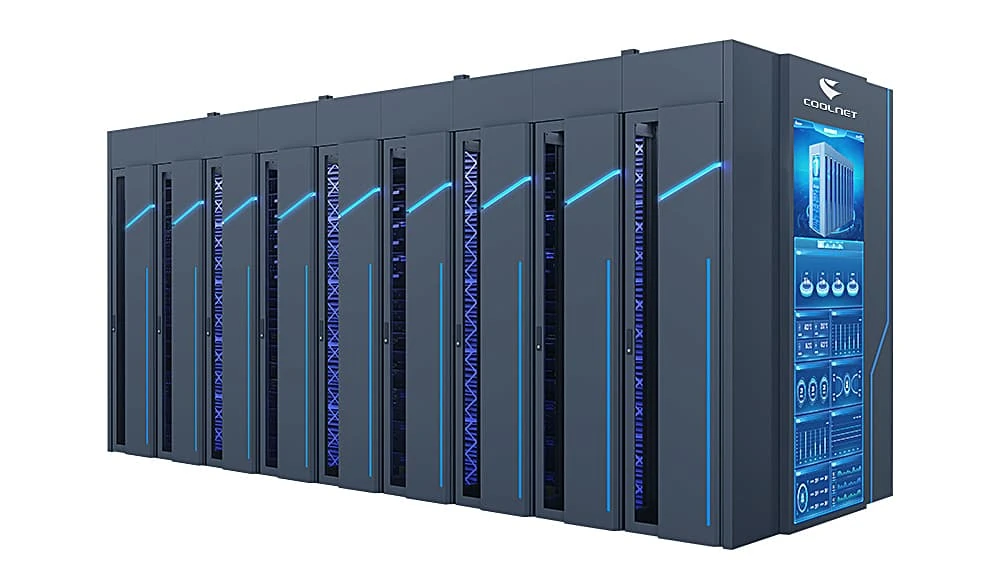
An enclosed computing pod separates hot and cold aisles around a compact row of racks.
- Cooling approach
- In-row cooling with dual containment
- Deployment
- Compact enclosed computing pod
- Solution planning range
- Up to 30 kW per cabinet
Overview
Keep supply and return air separated
A contained computing pod combines cabinets, in-row cooling and enclosed cold and hot aisles. The arrangement directs cool air to server inlets and returns warm exhaust to the cooling units.
Cold-air supply
Enclose the inlet-side aisle
Containment keeps supply air close to server inlets and limits mixing with the room air.
Warm-air return
Collect the server exhaust
The enclosed hot aisle routes return air back to the cooling units.
Cooling and access
Plan the pod as a complete layout
Coordinate in-row equipment, standby capacity, aisle access and the outdoor cooling connections.
Airflow design
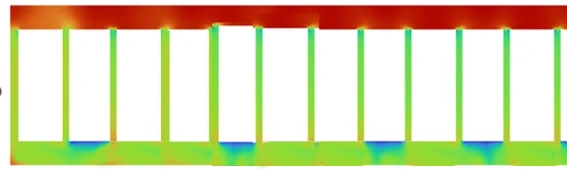
See the two air paths
The illustrative temperature study shows cooler air at the inlet side and warmer air along the enclosed return. It explains the containment arrangement; actual temperatures depend on the server layout and operating conditions.
Reference configuration
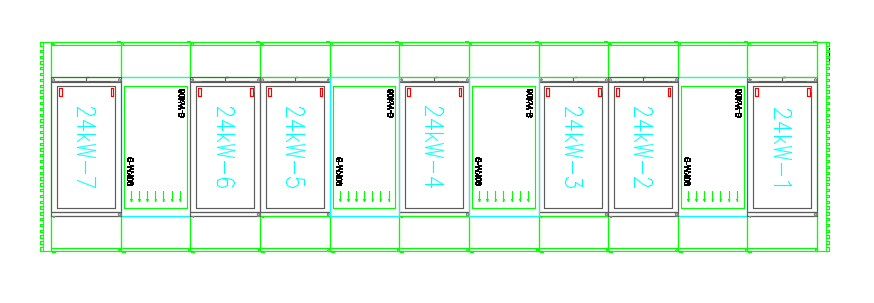
A seven-cabinet computing pod
The example uses 24 kW per cabinet within the solution's 30 kW planning limit.
In this example
- Per cabinet in this example
- 24 kW
- Computing cabinets
- 7
- Total heat load
- 168 kW
Scroll the table to see all columns
| Equipment | Model | Quantity | Duty / standby |
|---|---|---|---|
| In-row air conditioning | CLA060F | 4 | 3 + 1 |
Duty + standby: 2 + 1 means two duty units and one standby unit.
This example is not a fixed bill of materials. Final equipment selection, capacity and redundancy depend on the IT requirements and site operating conditions.
Technology
Inside the system
Contain supply air and collect the exhaust
The pod uses fully enclosed cold and hot aisles to reduce air mixing and cooling waste. The layout below shows the relationship between the cabinet row and its cooling equipment.
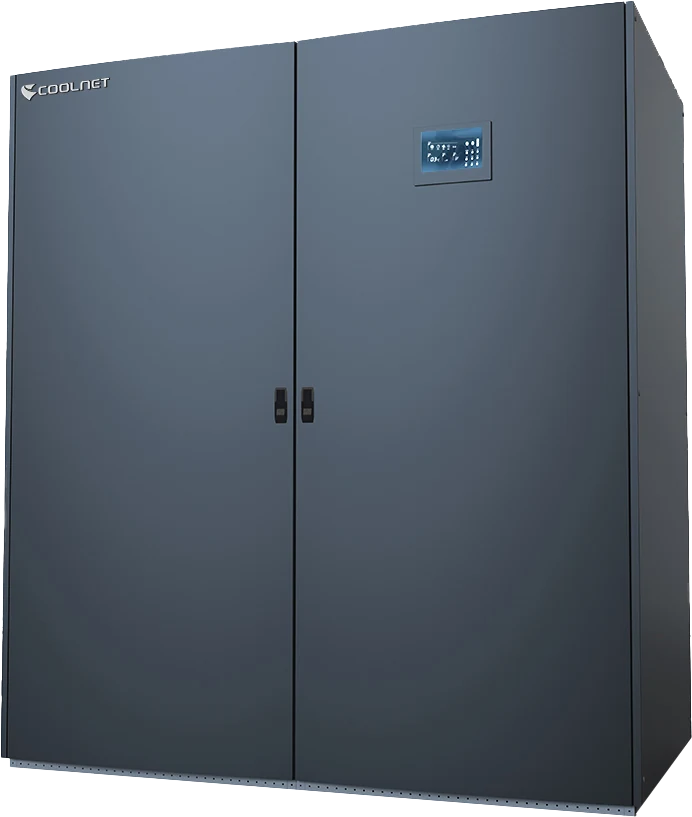
- The reference cooling configuration uses four CLA060F in-row units in a 3 + 1 arrangement, with refrigerant-pump free cooling.
| Air path | Design purpose |
|---|---|
| Cold aisle — rack intake | Enclose the supply air so it reaches server intakes without dispersing or mixing with exhaust air. |
| Hot aisle — rack exhaust | Collect hot air, prevent recirculation to the cold aisle and route the exhaust back to the cooling units. |
| Temperature illustration | Blue/green indicates the cooler intake path; red/orange indicates contained hot exhaust. The colors illustrate airflow behavior rather than a guaranteed operating temperature. |
Related equipment
Explore the product families
Plan your project
Start with your requirements
Share your deployment needs to discuss the right configuration.
Talk to our teamUseful details to include
- Server type, rack count and inlet-air requirements
- Cold- and hot-aisle dimensions, access doors and service clearances
- Cooling redundancy, outdoor conditions and power distribution