High-density racks force a practical question: where do you want the heat to go, and how much operational change can you tolerate to get it there?
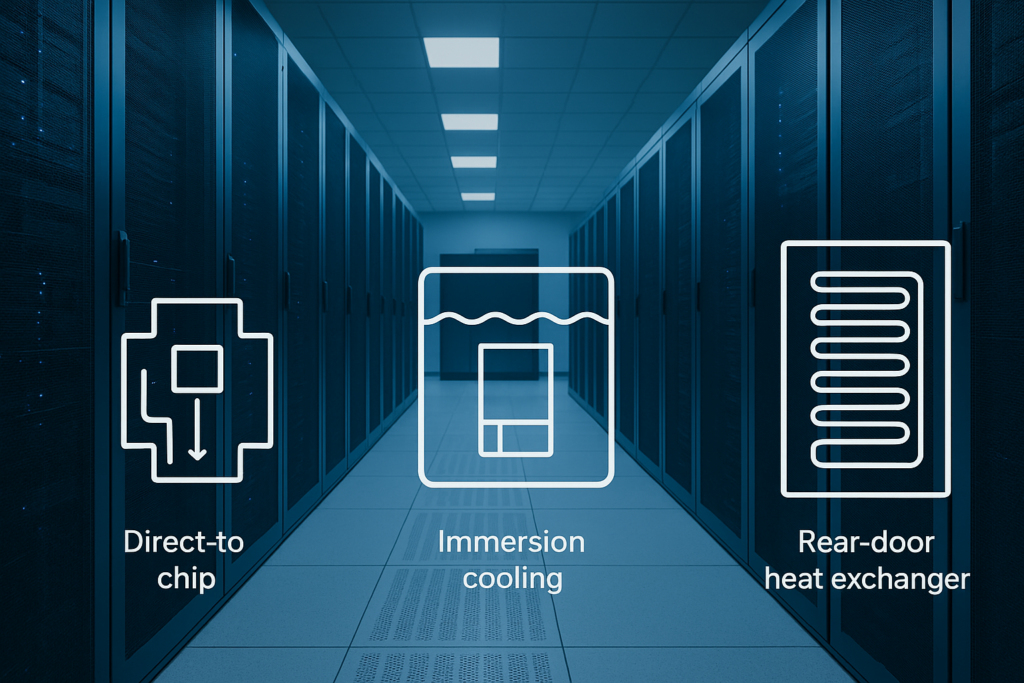
The three most common paths are:
Direct-to-chip (DTC) liquid cooling: coolant flows through cold plates on CPUs/GPUs inside the server.
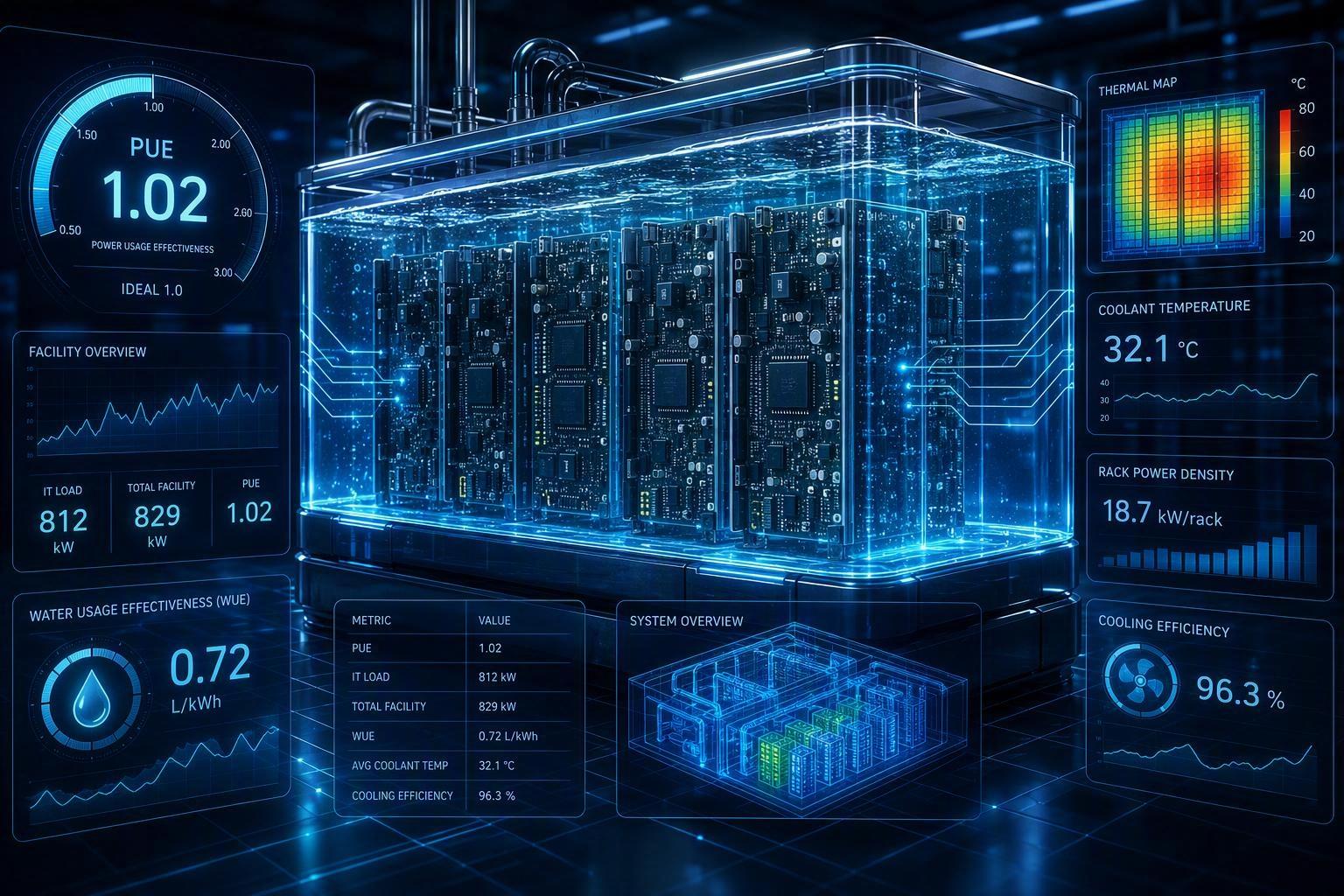
Immersion cooling: the whole server is submerged in a dielectric fluid bath.
Rear-door heat exchangers (RDHx): a liquid-to-air coil on the rear door captures heat from rack exhaust air.
This article compares all three using a procurement-friendly matrix across:
retrofit complexity, 2) serviceability, 3) facility interfaces, 4) OPEX drivers, and 5) standards alignment.
Key Takeaway: RDHx is often the lowest-disruption way to add rack-level cooling capacity; DTC is often the best “standard-rack” path into liquid; immersion usually captures the most heat but changes operations the most.
Table of Contents
ToggleSummary matrix: direct-to-chip vs immersion vs rear-door heat exchanger
Criteria | Direct-to-chip liquid cooling | Immersion cooling | Rear-door heat exchanger (RDHx) |
|---|---|---|---|
Retrofit complexity | Medium — server retrofits (cold plates, quick disconnects), plus CDU + rack manifolds | High — tanks + fluid workflow + hardware compatibility constraints | Low–Medium — door swap + facility water to rack; servers unchanged |
Serviceability | Medium — familiar rack workflow, but requires liquid isolation/disconnect discipline | Low (for frequent MACs) — physical handling of wet hardware and fluid management adds steps | High — IT stays conventional; additional steps mostly on door/water loop |
Facility interfaces | Medium–High — CDU, supply/return, sensors/leak detection, control integration; usually still some air cooling | High — heat rejection + fluid management; layout/weight/handling constraints | Medium — facility water to rack; integrates with airflow containment |
OPEX drivers | Lower server-fan energy potential; added pumping/CDU O&M; leak management discipline | Reduced air-side needs possible; added fluid handling, longer service cycles, specialized parts | Reduced room cooling load; O&M for door loop; pump/fan (if active) |
Standards alignment | Strong fit with ASHRAE operating envelope approach + ISO KPI reporting (PUE/WUE) | Same; plus stronger EHS/process governance emphasis | Same; often easiest to map into existing facility standards stack |
Where it usually fits best | AI/HPC blocks needing high density while keeping standard racks | Very high density or specialized deployments with stable hardware configs | Brownfield / mixed halls needing incremental capacity increase |
Coolnetpower portfolio coverage (neutral) | Supports DTC-oriented architectures (e.g., CDUs, liquid distribution, integration services) | Supports immersion deployments and facility integration where applicable | Supports RDHx deployments and facility water integration |
Notes: “better/worse” depends on your density, OEM support, facility water temperatures, and how often you do moves/adds/changes (MACs).
Definitions you’ll see in this comparison
CDU (coolant distribution unit): the unit that conditions and circulates coolant, typically acting as the interface between a facility water system and an IT coolant loop.
Facility water system (FWS): the site’s chilled water / condenser water / dry cooler loop that ultimately rejects heat.
Residual air cooling: even in liquid-cooled deployments, there is often remaining heat (memory, drives, VRMs, etc.) that still needs airflow management.
For a deeper direct-to-chip primer (20–40 kW/rack context), see this guide to direct-to-chip liquid cooling for 20–40 kW racks.
Retrofit complexity: what changes in IT vs what changes in facilities
When teams search “liquid cooling retrofit complexity data center,” they’re usually trying to answer two questions: what changes in IT, and what changes in facilities.
IT-side change (server and rack hardware)
facility-side change (water, heat rejection, controls, commissioning)
Direct-to-chip (DTC)
IT-side change
Cold plates on CPUs/GPUs and internal plumbing.
Quick disconnects (QDs) and hose management.
Rack manifolds (supply/return) and instrumentation.
Facility-side change
CDU(s) and connection to facility heat rejection.
Leak detection strategy and alarm routing.
Commissioning procedures that include pressure testing, flushing/filtration, and operational setpoints.
Equinix describes DTC as a “true liquid cooling at the chip level” approach that remains compatible with standard cabinet footprints, but requires CDUs and rack plumbing in addition to server changes in its overview of liquid cooling approaches for next-gen workloads.
Immersion
IT-side change
Hardware must be compatible with the dielectric fluid and immersion workflow.
Cabling, service tools, and spares processes change to match tank-based operation.
Facility-side change
Tank placement, floor loading and handling clearances.
Fluid management (storage, filtration, replenishment, disposal planning).
Heat rejection interface and monitoring.
The same Equinix article notes immersion can require substantial changes to both IT and facility architecture, including the physical footprint of tanks and more complex operational handling.
Rear-door heat exchangers (RDHx)
If you’re searching “rear-door heat exchanger vs direct-to-chip,” the core distinction is where the liquid goes: RDHx keeps liquid in the door coil and cools exhaust air, while direct-to-chip brings liquid into the server to cool the chips.
IT-side change
Typically none inside the server. The rack remains “normal.”
Facility-side change
Water supply/return to the rack doors.
Door selection (passive vs active), flow control, and commissioning.
A clean mental model: RDHx cools the air leaving the servers, which is one reason it’s frequently used in brownfield environments. Supermicro’s RDHx definition emphasizes that the liquid in an RDHx does not contact electronic components in the server, which reduces the exposure of IT hardware to liquid compared to chip-contact methods like DTC or immersion (see Rear Door Heat Exchangers (RDHx) glossary).
If you want a retrofit-focused comparison that also includes in-row options, this rear-door vs in-row vs direct-to-chip retrofit comparison is a useful companion read.
⚠️ Warning: In retrofits, the hardest part is rarely the cooling hardware itself. It’s the commissioning window, change control, and getting facilities + IT + EHS to agree on “what good looks like” for leak detection, alarms, and maintenance.
Serviceability: how each option changes day-2 operations
If you’re searching “immersion cooling vs direct-to-chip,” this is usually the deciding layer: can your operations model absorb the extra service steps?
Serviceability isn’t “can it be serviced.” It’s how many extra steps exist between an alarm and a restored server, and how repeatable those steps are across shifts.
Direct-to-chip
Pros for serviceability:
Keeps the familiar rack/server form factor.
In many designs, you can isolate coolant flow and disconnect lines before working on a server.
Tradeoffs:
Technicians need disciplined procedures for QDs, drip management, and post-service checks.
More components to maintain (hoses, fittings, filters, sensors).
Steel & O’Brien’s comparison of direct-to-chip vs immersion cooling highlights a pragmatic point: DTC service can often be performed by turning off flow and disconnecting hoses, while immersion service usually involves pulling components from a tank.
Immersion
Pros:
Strong thermal performance potential, and it can simplify some air-side concerns.
Tradeoffs:
Service involves physically handling equipment that has been in fluid.
For sites with frequent MACs (moves/adds/changes), the workflow overhead can become the limiting factor.
A neutral way to describe it: immersion can be excellent when hardware configurations are stable and service intervals are predictable, but it is less forgiving when your operational model relies on frequent manual intervention.
RDHx
Pros:
IT staff keep a conventional “rack door open, slide a server out” workflow.
Tradeoffs:
You still need to manage door access, hose routing, and water loop maintenance.
If you have active doors, you add fans and controls at the rack boundary.
For an operator-oriented discussion, this direct-to-chip vs immersion comparison can help align expectations around operations.
Facility interfaces: what your building must provide
In practice, a lot of failures happen at the CDU facility interface: water temperatures, redundancy, monitoring, and who owns which alarms.
Most failed liquid projects don’t fail on “can it cool.” They fail on interfaces: water temperature, redundancy philosophy, monitoring, and who owns what.
Below is a facility-facing checklist by approach.
Direct-to-chip facility interface checklist
Heat rejection path: how heat leaves the CDU and enters the facility loop.
Redundancy: N+1 philosophy for pumps/CDUs and what happens during maintenance.
Controls integration: flow/temperature sensors, alarms, and where they land (BMS/DCIM).
Leak detection: zones, thresholds, and response procedure.
If your team needs to ground CDU planning, this guide on how to size a CDU for AI data centers is a useful walkthrough.
Immersion facility interface checklist
Layout + handling: tank access, lifting/handling constraints, service space.
Fluid governance: storage, replenishment, filtration, and safe handling procedures.
Heat rejection: interface between the tank loop and facility loop.
Environmental and safety: EHS review for fluids, spill containment, and training.
RDHx facility interface checklist
Water to rack: piping, valves, balancing, and isolation.
Aisle/airflow strategy: how RDHx works with containment and residual room load.
Door selection: passive vs active and the power/control implications.
A helpful external “three-option” overview that includes RDHx, immersion, and DTC is Park Place Technologies’ article on data center cooling systems comparisons. Use it as a starting point, then validate the specifics against your OEM and your facility water temperatures.
OPEX: what actually changes after you turn it on
It’s tempting to treat OPEX as “PUE goes down.” In practice, OPEX changes through a handful of levers:
Air-side energy: less server fan power and less room-level cooling power (varies by design).
Liquid-side energy: pumps, CDUs, and controls power.
Maintenance labor: fittings/filters/sensors, water treatment practices, and service workflow time.
Consumables: filters and, for immersion, fluid lifecycle considerations.
Downtime risk cost: how quickly you can isolate a problem and restore service.
A conservative framing for procurement teams:
RDHx can be attractive when you want incremental efficiency improvement without introducing liquid into the server.
DTC can be attractive when fan power and hotspot management are limiting density, and you can standardize procedures.
Immersion can be attractive when density is the primary constraint and you can accept a more specialized operations model.
Standards and guidance alignment (high level)
Standards won’t tell you “pick DTC or immersion.” But they do shape how you define success and prove compliance.
ASHRAE thermal guidance
ASHRAE’s Datacom resources (including TC 9.9 work) are widely used to align equipment operating envelopes with facility design decisions (see ASHRAE Datacom resources). The practical point: define your allowable conditions clearly (air and/or coolant), then design controls and alarms so operations can stay inside them.
ISO/IEC KPI reporting (PUE, WUE, etc.)
The ISO/IEC 30134 series focuses on standardizing how data centers report operational efficiency KPIs. A concise explainer is Future-tech’s overview of the ISO/IEC 30134 KPI series. The practical point: whichever cooling approach you choose, you still need a consistent KPI method to compare halls and projects.
Facility standards families (ISO/IEC 22237 and EN 50600)
Many operators map facility requirements to standards families like ISO/IEC 22237 and (in Europe) EN 50600, then use KPI standards to report performance. The details vary by project, but the direction is consistent: treat cooling as part of a broader facility compliance stack, not a one-off engineering exception.
US/EU public guidance framing
For US-oriented efficiency documentation, the U.S. Department of Energy’s Best Practices Guide for Energy-Efficient Data Center Design (2024) is a useful public reference for efficiency measures and design documentation patterns.
Who should choose which (practical scenarios)
Choose RDHx when…
You need incremental density in an existing hall with minimal IT disruption.
You want a retrofit path that keeps IT service workflows close to “business as usual.”
Your facility can bring water to racks without major reconstruction.
Choose direct-to-chip when…
Your bottleneck is chip-level heat flux (GPUs/CPUs) and fan power.
You want liquid performance while keeping standard rack footprints.
You can standardize CDU + manifold architecture and train teams on repeatable service procedures.
Choose immersion when…
You are prioritizing maximum heat capture and very high density.
Your operational model supports a more specialized service workflow.
You have clarity on hardware compatibility and long-term fluid governance.
Many real sites end up hybrid
A common pattern is “RDHx as a bridge” for mixed halls, with DTC in the highest-density pods. This phased approach to a hybrid air–liquid retrofit strategy (RDHx + D2C) matches how many operators modernize without taking on a full-step change all at once.
FAQ
Is RDHx “liquid cooling”?
It uses liquid (water/coolant) in the rear door to remove heat from exhaust air, so it is liquid-assisted at the rack boundary. It’s different from DTC and immersion because liquid does not circulate through the server electronics.
Is direct-to-chip always a full replacement for air cooling?
Not always. Many deployments still have residual air cooling for components that aren’t on cold plates. The key is to define which heat loads are on liquid and which remain on air.
Which option is best for retrofits with tight downtime windows?
Often RDHx or a staged hybrid approach wins because it minimizes server-level change. DTC retrofits can still work, but they require tighter coordination with hardware refresh cycles and commissioning windows.
Next steps
If you’re evaluating a retrofit, the fastest way to reduce project risk is to document interfaces and responsibilities early.
Request a facility interface checklist (FWS temperatures, CDU redundancy, leak detection/alarm routing, commissioning steps) before you lock in an approach.